
Expert Speak
12 Tips to Keep Your Business Safe from Cyberattacks


Written by Mohamad Rizk, Regional Director, Middle East and CIS at Veeam Software
According to recent research, more than 85% of companies have been the victim of a ransomware attack in the past year. It’s not a question of whether you’ve been attacked or when you’ll be attacked, but how often you’ll be attacked. While there is no way to guarantee you will never be attacked, you can take some simple steps to make it more difficult for the attackers to succeed and keep your business running. Start with the basics. Make sure your PCs and servers are all up to date and patched. Make sure you have up-to-date virus and malware checks in place. Then, embrace good practices and educate others across your team.
Tip #1 – Be skeptical
If something sounds too good to be true, it probably is. Know the warning signs for phishing, social engineering, and other scams, and err on the side of caution. Don’t click on unknown links, open unexpected or suspicious attachments or provide information to someone you don’t know or weren’t expecting to hear from.
Tip #2 – Use Strong Passwords and Passphrases
Longer is stronger. Leverage passphrases to help create long passwords that are easy to remember, but hard for others to guess.
Tip #3 – Slow down
Slow down and avoid making simple mistakes. Be cautious of auto-completion in emails so you don’t send sensitive information to the wrong person. Don’t accidentally ‘reply all’ when you only intended to send information to one person on the thread.
Tip #4 – Beware of Malware
Viruses, computer worms, and Trojans can hide in legitimate-looking websites, free software packages online, and phishing emails. Ensure you have an anti-malware program enabled and kept updated.
Tip #5 – Stay Secure on the Go
Security doesn’t stop just when you leave the office. Be aware of your surroundings. Don’t talk about sensitive information, like banking details or medical information, in a location where others can hear you. Keep your device screens hard for others to see – consider a privacy screen when possible. Use an external battery pack rather than public charging ports to protect against ‘juice jacking.’
Tip #6 – Know Your Data. Protect It.
You cannot protect your most sensitive information if you don’t know what information you have. Inventory your organization’s information. Classify it based on its sensitivity level. Protect the information according to that sensitivity level.
Tip #7 – Limit Access
You may hire the most trustworthy people to work for you, but that doesn’t mean they all need access to your most sensitive information. Provide access on a need-to-know basis. This helps protect confidentiality but also reduces the impact if someone’s access is compromised. Use multi-factor authentication when given the option to minimize the damage that can be caused if someone steals your passwords.
Tip #8 – Stay Secure Online
If you understand that the internet contains scams and threats around most corners, then you can help to spot when something doesn’t seem right and steer clear. Use and require secure networks – if the WiFi you are using is not encrypted, ensure you are using a VPN or other layer of protection. Leverage bookmarks for important URLs so you’re less likely to fall for fake dupes of the real ones. Avoid oversharing on social media and assume that anything posted is public, regardless of privacy settings.
Tip #9 – Be Security Aware. Report.
Even with all the best intentions, sometimes cybercriminals will win a battle. It is important that your organization has a defined incident reporting and response plan so that your security team is promptly notified if there is a risk of compromise. The sooner your team knows about it, the sooner they can protect against it. Communicate your preferred method of incident reporting frequently so your employees have no doubt about how to contact you.
Tip #10 – If You Can Connect It, Protect It.
As the perimeter of your business infrastructure becomes blurred with cloud services and personal devices being used for work (BYOD), you need to ensure your corporate policies are inclusive to require that any device used for work that can connect to the internet is required to be protected. This may be anti-malware software, strong passwords, or access controls. Each device will require something different, but a general rule of thumb is that if you can connect it, protect it.
Tip #11 – Back up Your Data
You can have a best-in-class security program and still find yourself in a situation where your data can no longer be accessed or trusted. Regularly backing up your data in 3 different locations on 2 different media with 1 copy being offsite, 1 copy being offline, air-gapped, or immutable, and 0 errors with recovery verification, allows you to quickly restore your data with minimal downtime and keep your business running.
Tip #12 – Train Your Users // Be a Security Learner
Cybercriminals are constantly changing their tactics as they learn about what protections are being put in place. Your organization’s people can either be your weakest link or your greatest asset. Put emphasis in teaching your people about how they can be part of your human firewall, and they can become an extension of your security team.














Written by Alain Penel, VP of Middle East, CIS & Turkey at Fortinet (more…)
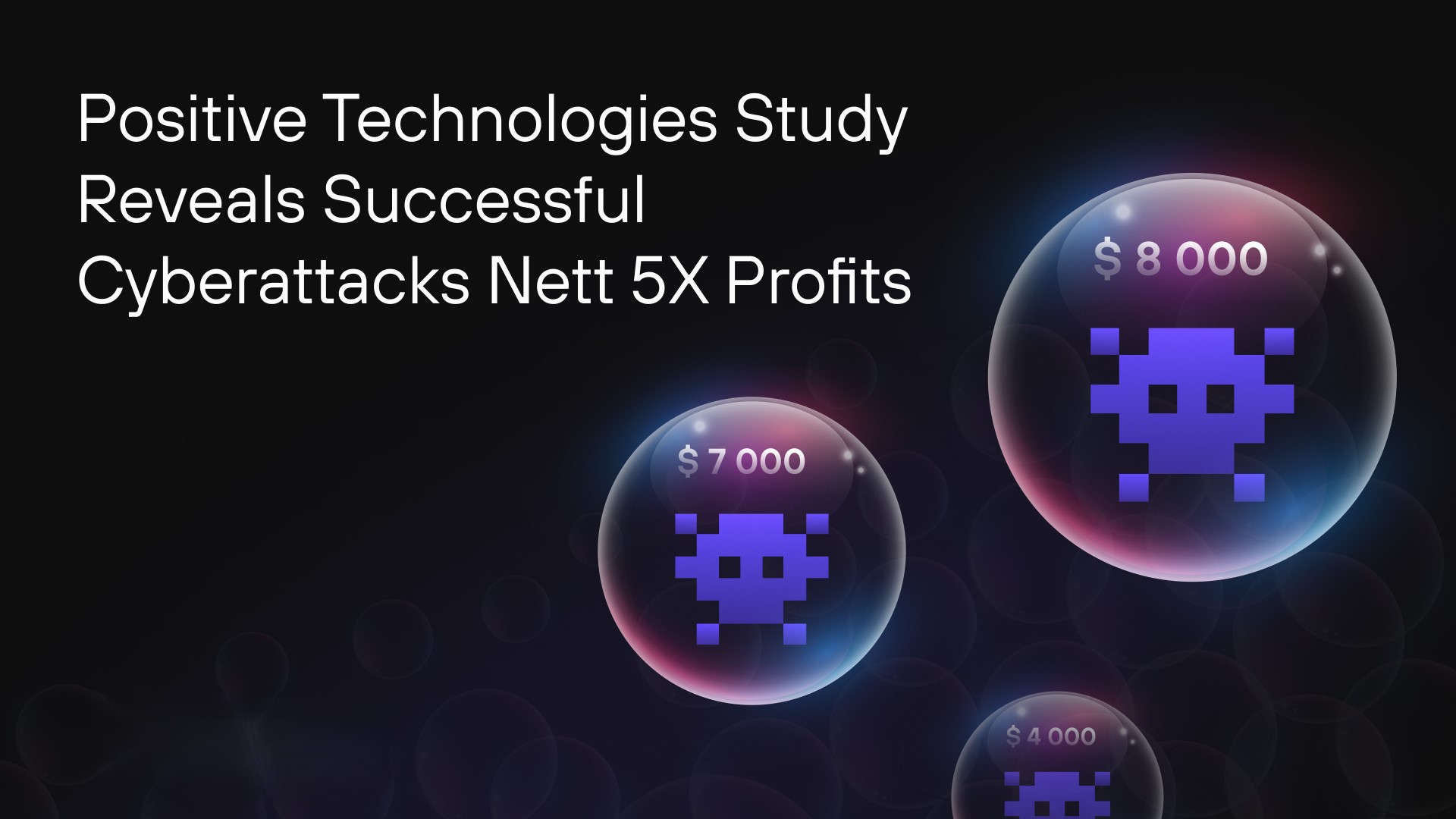
Positive Technologies has released a study on the dark web market, analysing prices for illegal cybersecurity services and products, as well as the costs incurred by cybercriminals to carry out attacks. The most expensive type of malware is ransomware, with a median cost of $7,500. Zero-day exploits are particularly valuable, often being sold for millions of dollars. However, the net profit from a successful cyberattack can be five times the cost of organizing it.
Experts estimate that performing a popular phishing attack involving ransomware costs novice cybercriminals at least $20,000. First, hackers rent dedicated servers, subscribe to VPN services, and acquire other tools to build a secure and anonymous IT infrastructure to manage the attack. Attackers also need to acquire the source code of malicious software or subscribe to ready-to-use malware, as well as tools for infiltrating the victim’s system and evading detection by security measures. Moreover, cybercriminals can consult with seasoned experts, purchase access to targeted infrastructures and company data, and escalate privileges within a compromised system. Products and tools are readily available for purchase on the dark web, catering to beginners. The darknet also offers leaked malware along with detailed instructions, making it easier for novice cybercriminals to carry out attacks.
Malware is one of the primary tools in a hacker’s arsenal, with 53% of malware-related ads focused on sales. In 19% of all posts, infostealers designed to steal data are offered. Crypters and code obfuscation tools, used to help attackers hide malware from security tools, are featured in 17% of cases. Additionally, loaders are mentioned in 16% of ads. The median cost of these types of malware stands at $400, $70, and $500, respectively. The most expensive malware is ransomware: its median cost is $7,500, with some offers reaching up to $320,000. Ransomware is primarily distributed through affiliate programs, known as Ransomware-as-a-Service (RaaS), where participants in an attack typically receive 70–90% of the ransom. To become a partner, a criminal must make a contribution of 0.05 Bitcoin (approximately $5,000) and have a solid reputation on the dark web.
Another popular attack tool is exploits: 69% of exploit-related ads focus on sales, with zero-day vulnerability posts accounting for 32% of them. In 31% of cases, the cost of exploits exceeds $20,000 and can reach several million dollars. Access to corporate networks is relatively inexpensive, with 72% of such ads focused on sales, and 62% of them priced at under a thousand dollars. Among cybercriminal services, hacks are the most popular option, accounting for 49% of reports. For example, the price for compromising a personal email account starts at $100, while the cost for a corporate account begins at $200.
Dmitry Streltsov, Threat Analyst at Positive Technologies, says, “On dark web marketplaces, prices are typically determined in one of two ways: either sellers set a fixed price, or auctions are held. Auctions are often used for exclusive items, such as zero-day exploits. The platforms facilitating these deals also generate revenue, often through their own escrow services, which hold the buyer’s funds temporarily until the product or service is confirmed as delivered. On many platforms, these escrow services are managed by either administrators or trusted users with strong reputations. In return, they earn at least 4% of the transaction amount, with the forums setting the rates.”
Considering the cost of tools and services on the dark web, along with the median ransom amount, cybercriminals can achieve a net profit of $100,000–$130,000 from a successful attack—five times the cost of their preparation. For a company, such an incident can result not only in ransom costs but also in massive financial losses due to disrupted business processes. For example, in 2024, due to a ransomware attack, servers of CDK Global were down for two weeks. The company paid cybercriminals $25 million, while the financial losses of dealers due to system downtime exceeded $600 million.


Written by Oded Vanunu, Chief Technologist & Head of Product Vulnerability Research at Check Point (more…)

Positive Technologies Reports 80% of Middle East Cyberattacks Compromise Confidential Data

Qualys Partners with Teksalah, the First Middle Eastern MSP in its mROC Alliance

CyberKnight Sets Up South Africa Entity

ManageEngine Enhances PAM with Native Intelligence

EcoOnline Expands into Middle East

OPSWAT Joins GISEC 2025 as Middle East Confronts AI-Driven Cyber Threats

GISEC Global 2025: SANS Institute to Showcase Elite Cybersecurity Training and Threat Expertise

Fortinet Expands FortiAI Across its Security Fabric Platform

GISEC 2025 Launches OT Security Conference Amid 49% Infrastructure Attack Surge

How AI is Reinventing Cybersecurity for the Automotive Industry

Positive Technologies @ GISEC Global 2025: Demonstrating Cutting-Edge Cyber Threats and AI Defense Strategies

Group-IB @ GISEC Global 2025: Tackling Evolving Cyber Threats with Localised Intelligence and AI

Video: Wallarm Unveils the Key to Cloud-Native API Security at GISEC Global 2025

Video: CyberKnight on Zero Trust, AI, and Saudi Arabia’s Digital Transformation at GISEC Global 2025

Video: SANS Institute Weighs in on Deepfakes, Model Poisoning and Risk Frameworks at GISEC Global 2025
-
 GISEC1 week ago
Positive Technologies @ GISEC Global 2025: Demonstrating Cutting-Edge Cyber Threats and AI Defense Strategies
-

 Cyber Security1 week ago
Axis Communications Sheds Light on Video Surveillance Industry Perspectives on AI
-
 GISEC1 week ago
Video: SANS Institute Weighs in on Deepfakes, Model Poisoning and Risk Frameworks at GISEC Global 2025
-
 GISEC1 week ago
ManageEngine @ GISEC Global 2025: AI, Quantum Computing, and Ransomware Form Part of Cybersecurity Outlook for 2025
-
 GISEC1 week ago
Video: SentinelOne Speaks Hyperautomation, Purple AI, and the Future of Threat Detection at GISEC Global 2025
-
 Africa Focus6 days ago
CyberKnight Sets Up South Africa Entity
-
 GISEC1 week ago
Group-IB @ GISEC Global 2025: Tackling Evolving Cyber Threats with Localised Intelligence and AI
-
 GISEC1 week ago
Video: CyberKnight on Zero Trust, AI, and Saudi Arabia’s Digital Transformation at GISEC Global 2025